How to start investing?
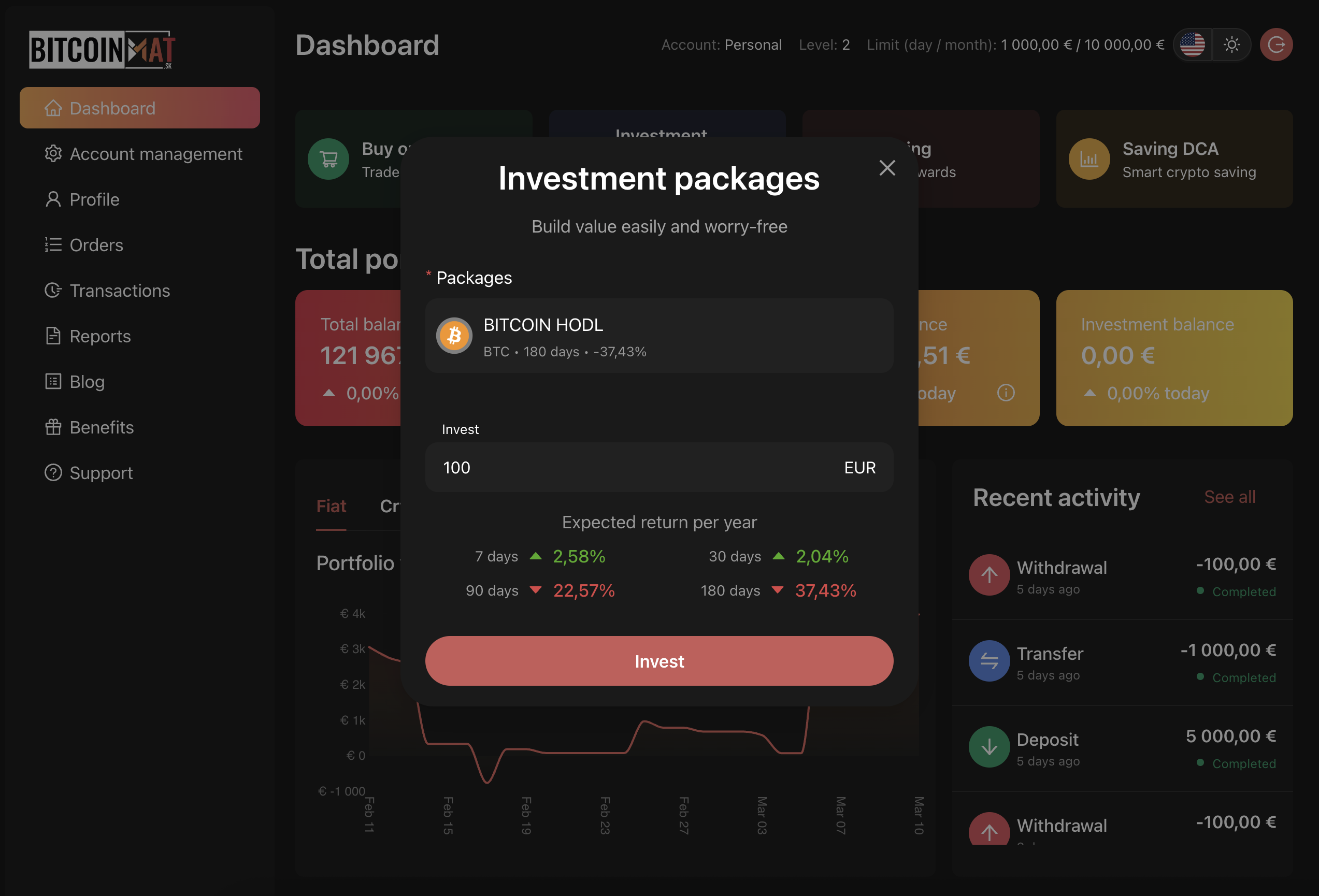
1. In the Dashboard, click on the blue square labeled
Investment Packages at the top.
2. In the next window, select:
- The type of investment package, which is predefined and cannot be customized.
It contains the following information:
– Name
– Cryptocurrencies in which the package invests
– Length of savings
– Yield if the user had invested 180 days ago.
- Amount invested in EUR
3. Below these fields, there is a table showing the expected annual return, or
more precisely, what profit or loss in EUR the user would have achieved if they
had invested 7, 30, 90, or 180 days ago.
After confirming with the Invest button, the request will be forwarded for processing, which you will be informed of via an information message.
In the Dashboard, you can see that our Fiat balance has decreased and our Investment balance has increased.
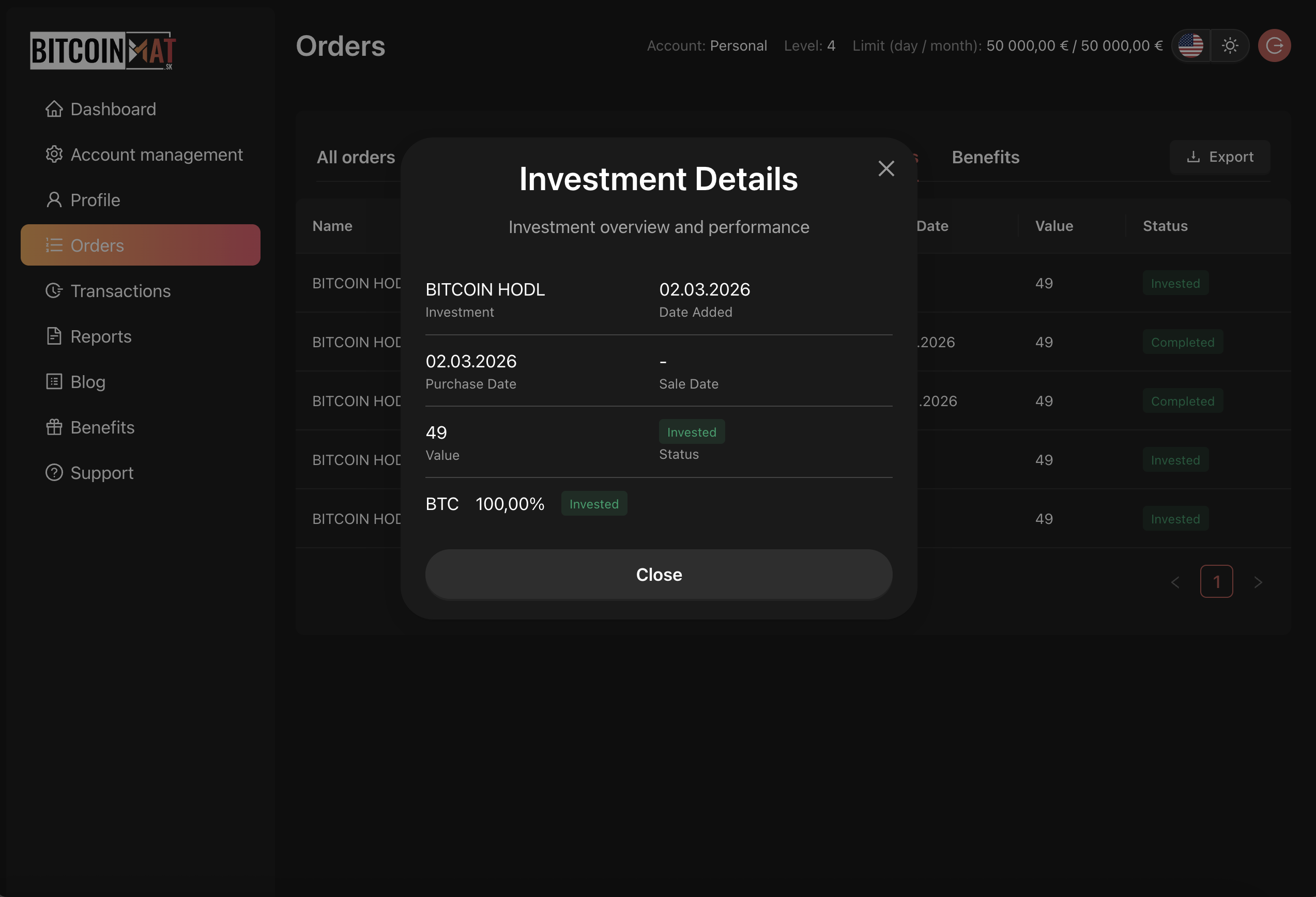
Investment details can be found in the Orders section in the Investment Packages tab. The details include the Date, Purchase Value, and Status.